

Menus change
Guests may find an old menu or struggle to identify the current dining, delivery, or seasonal option.
Send the relevant menu, location, offer, or reservation link when guests engage with dishes, seasonal announcements, and availability Stories.
Give guests the information they need without making them search through the profile.
Suitable for
01 · Post comment
Posts
tableandember
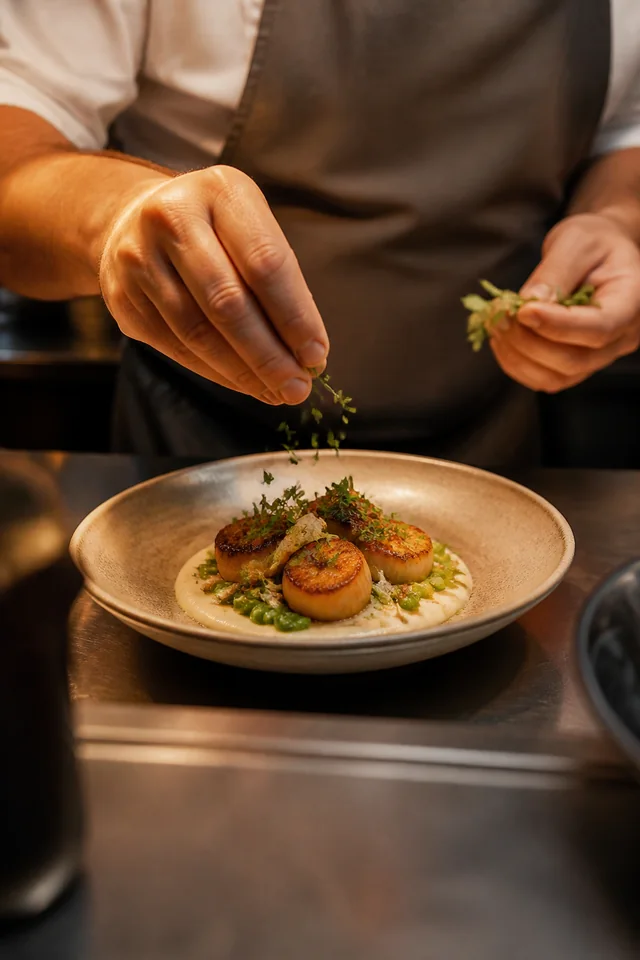
Seasonal menu
A new plate for late-summer evenings
Comment MENU for dishes and reservations
1,248 likes
tableandember Comment MENU for dishes and reservations
View all 32 comments
02 · DM delivered
tableandember
Automated reply
The opportunity
A Reel can create immediate appetite, but menus, opening information, locations, and reservation pages often sit elsewhere. A direct response keeps the next step close to the content.
Guests may find an old menu or struggle to identify the current dining, delivery, or seasonal option.
Location, reservation, timing, and offer questions appear across comments and DMs.
During busy periods, the people best placed to reply are often serving guests.
Built for your audience
Start with one repeatable request. Choose the trigger, prepare the response, and give people a direct route to the information they asked for.
Send the current menu or selected menu category connected to a post.
Share the official reservation or enquiry destination configured by the restaurant.
Provide location, timing, or offer terms prepared for the active promotion.
Practical examples
Trigger
A guest comments "MENU" on a signature-dish Reel.
Automation
InboxLoop sends the current menu and location link.
Next step
The guest can explore the relevant dining option immediately.
Trigger
A guest comments "BOOK" on a weekend announcement.
Automation
InboxLoop delivers the restaurant's reservation destination.
Next step
Availability interest reaches the official booking path.
Trigger
A Story viewer replies "OFFER" to a seasonal promotion.
Automation
InboxLoop sends the prepared offer details and applicable destination.
Next step
The guest sees the current terms without relying on an old post.
How it works
Step 1
Authorize the Professional account you want InboxLoop to support.
Step 2
Choose the trigger, keywords, public reply, DM, and destination.
Step 3
Go live, monitor conversations, and refine the Automation as you learn.
Current restaurant information stays under your control.
Your team controls menus, locations, opening information, offer terms, and reservation destinations. InboxLoop does not confirm tables or availability itself.
Questions
No. It can send your official reservation page or enquiry link. Confirmation remains with your booking system or team.
Yes. Separate Automations can connect specific posts and keywords with the relevant menu or campaign destination.
Yes. Update the configured message and destination so the active Automation reflects the current promotion.
Detailed allergy and dietary conversations should remain with trained restaurant staff. InboxLoop can direct guests to your official information or contact route.
Explore another solution
Start with one request you answer repeatedly and turn it into a clear, controlled response.
Start free