

The product link is unclear
A single bio link rarely points directly to every item featured across current campaigns.
Respond to product comments and campaign DMs with the exact product page, collection, size guide, or offer information your team configured.
Make the path from product discovery to product detail shorter and clearer.
Suitable for
01 · Post comment
Posts
northandthread
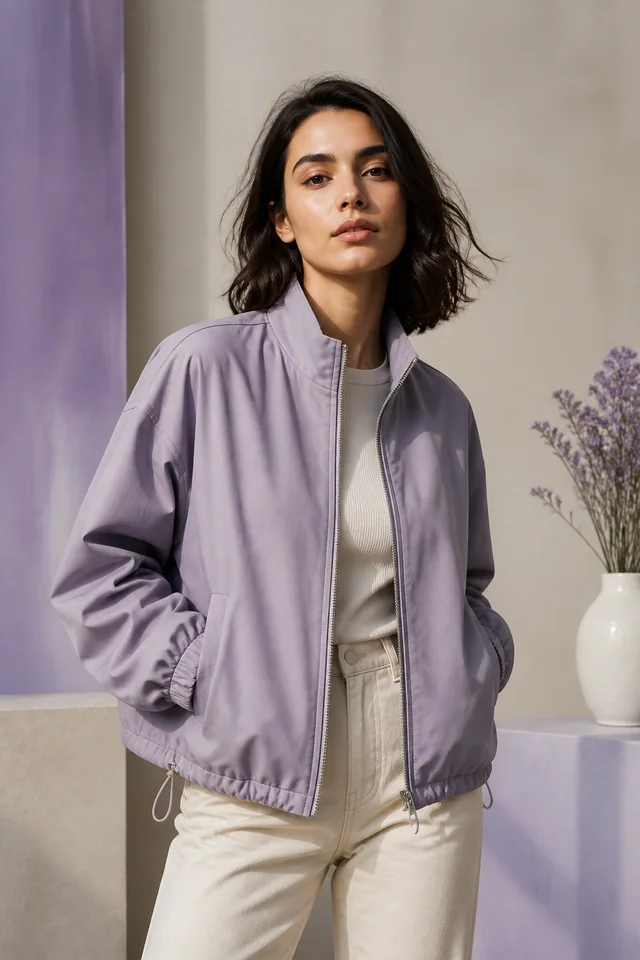
New collection
The everyday layer customers asked for
Comment SHOP for the product link
1,248 likes
northandthread Comment SHOP for the product link
View all 32 comments
02 · DM delivered
northandthread
Automated reply
The opportunity
Reels, creator collaborations, and launch Stories can generate immediate questions. Product discovery loses momentum when shoppers must search profiles, captions, and storefront navigation for the item they saw.
A single bio link rarely points directly to every item featured across current campaigns.
Teams repeatedly answer where to shop, which collection is featured, and where sizing information lives.
Launch and restock interest is most useful while the campaign is active and visible.
Built for your audience
Start with one repeatable request. Choose the trigger, prepare the response, and give people a direct route to the information they asked for.
Connect a product-specific keyword with its product page or selected collection.
Deliver size, material, care, availability, or launch information prepared by your team.
Keep the source Automation attached so your team knows which post created interest.
Practical examples
Trigger
A shopper comments "SHOP" on a product Reel.
Automation
InboxLoop sends the featured product page and prepared product note.
Next step
The shopper reaches the correct item without searching the storefront.
Trigger
A shopper comments "SIZE" on a fit demonstration.
Automation
InboxLoop delivers the size guide and relevant collection link.
Next step
A common buying question receives a consistent, useful answer.
Trigger
A follower replies "DROP" to a launch Story.
Automation
InboxLoop sends the configured launch details and collection destination.
Next step
Current campaign interest moves directly to the launch information.
How it works
Step 1
Authorize the Professional account you want InboxLoop to support.
Step 2
Choose the trigger, keywords, public reply, DM, and destination.
Step 3
Go live, monitor conversations, and refine the Automation as you learn.
Commerce messaging stays tied to your catalogue and campaign.
Your team controls the product links, offer language, and active campaign windows. InboxLoop does not invent availability, pricing, or product claims.
Questions
Yes. Create separate Automations for individual products, collections, launches, or campaign groups.
No. InboxLoop sends the product information and links you configure. Your ecommerce platform remains the source for current inventory and checkout.
Yes. A keyword such as SIZE can trigger a prepared DM containing the appropriate guide or destination link.
Authorized teams can use separate Workspaces for distinct brands or operating contexts, subject to the applicable plan.
Explore another solution
Start with one request you answer repeatedly and turn it into a clear, controlled response.
Start free