

Service choices need context
Clients may not know which service page, artist, package, or booking category matches the post.
Share service menus, portfolios, preparation information, and booking links when people engage with treatments, appointments, and availability updates.
Designed for salons, spas, barbers, nail studios, and non-clinical wellness businesses.
Suitable for
01 · Post comment
Posts
museandglow
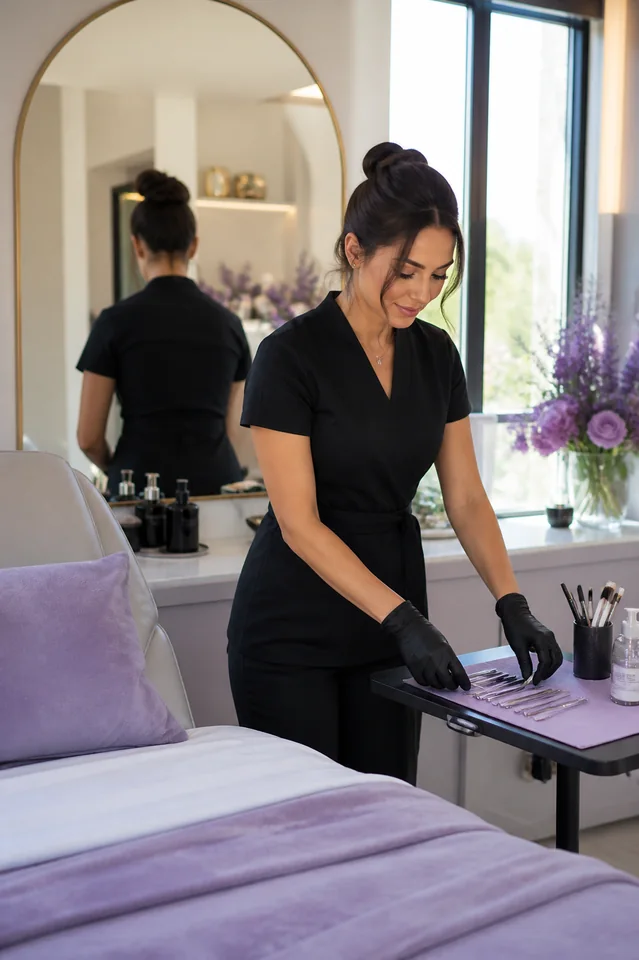
Fresh appointment
A polished finish designed around the client
Comment BOOK for services and appointments
1,248 likes
museandglow Comment BOOK for services and appointments
View all 32 comments
02 · DM delivered
museandglow
Automated reply
The opportunity
Prospective clients often ask about services, preparation, timing, and booking immediately after seeing a result. A prepared first response can provide the basics while suitability remains a personal discussion.
Clients may not know which service page, artist, package, or booking category matches the post.
Story announcements and cancellations can generate several similar enquiries at once.
A useful Automation should never pretend to assess health, treatment suitability, or individual outcomes.
Built for your audience
Start with one repeatable request. Choose the trigger, prepare the response, and give people a direct route to the information they asked for.
Deliver the current service, portfolio, or preparation page connected to the content.
Send the official booking destination or consultation request selected by the business.
Keep suitability, expectations, and individual advice with qualified team members.
Practical examples
Trigger
A viewer comments "SERVICES" on a transformation Reel.
Automation
InboxLoop sends the current service menu and portfolio destination.
Next step
The viewer can compare the relevant options before contacting the team.
Trigger
A follower comments "BOOK" on an artist spotlight.
Automation
InboxLoop delivers the official booking page for that campaign.
Next step
Interest reaches the correct scheduling destination.
Trigger
A Story viewer replies "SLOT" to an availability update.
Automation
InboxLoop sends the prepared availability note and booking link.
Next step
The viewer gets a current next step while the slot is being promoted.
How it works
Step 1
Authorize the Professional account you want InboxLoop to support.
Step 2
Choose the trigger, keywords, public reply, DM, and destination.
Step 3
Go live, monitor conversations, and refine the Automation as you learn.
Booking information without personal treatment claims.
InboxLoop sends approved service and booking information. It does not diagnose, recommend clinical treatments, assess suitability, or promise outcomes.
Questions
No. It can share your service information and consultation route. Recommendations and suitability decisions remain with qualified staff.
Yes. Different campaigns can use their own keyword, portfolio, preparation information, and booking destination.
A Story reply Automation can send the current booking destination you configure, but actual availability remains with your scheduling system.
Yes. Your team can continue the conversation personally whenever individual context is required.
Explore another solution
Start with one request you answer repeatedly and turn it into a clear, controlled response.
Start free